

As of 5/4/2026 we have changed Electronic Medical Records and have a new patient portal: Healow.
Emails have been sent to all patients with a unique email address on file. This email will be from no-reply@eclinicalmail.com with the subject line “Portal login information from your doctor’s office” - please check your inbox and spam folder on all of your email accounts. If you have not received an email, this means we either do not have your email address on file or that your email address is not unique (ex: you and your spouse or child have the same email address on file).
You will be asked for our Practice Code, which is D G D A E D
Click below to download the free Healow (patient portal) app or to login online.
FREQUENTLY ASKED QUESTIONS
What if I did not get an email about my Healow account or if I can not get it to work?
If you did not get an email, this means you do not have an updated unique email address on file with us. At your next appointment we will update your contact information and activate your account. In the meantime, If you need medication refills, are having a medical problem, or need access to your records you can call the office at (334) 393-3686 and we will assist you. A patient portal is not required for you to receive care. You will not be able to register via the app using the practice code unless we have activated your account. We are only able to activate your account once your email is updated with us, then you will have access to the patient portal. If you attempt to log into the app and we do not have your updated email address, you will get an error code saying “Sorry, we are unable to find your record at this practice. Please verify the following information: Name & DOB” - this message simply means your account is not activated.
What is my username/password?
Your username is listed in the portal login information email that was sent to you. Usually, it is your full email address (ex: example@gmail.com) but it can be different if you do not have a unique email address on file with us. If you do not know your password, you can reset it by clicking “Trouble logging in” - this will send a password reset link to your email.
What if my spouse/child/parent/dependent and I share an email address?
You must have a unique email address to activate your patient portal account. If you only have one email address, you can create a new email address for free through Gmail, Outlook, or Yahoo and update us with this new email so we can activate your portal account. If you want, once each person’s account is activated, you can link your accounts together on the Healow app so you are able to see eachothers records without having to sign in to two separate accounts again.
Why did I get an email from Healow saying I have labs ready to review?
We imported all of your records with us into Healow. If you have ever had labs done with us you may get this notification because you have not viewed these labs on your Healow Patient Portal. Please check the date on any lab results you see in your portal.
Will my login information for the old patient portal (My Health Record) transfer to Healow?
No. We do not have access to your old patient portal Username and Password- patient privacy laws protect this information. My Health Record and Healow are not connected, and your My Health Record portal has been deactivated. We have imported all of your past medical records with us into Healow, so you will not loose access to your information, it is just in a new place.
Do I have to have an email address to use the Healow Patient Portal?
Yes. We can not activate your account without a working email address.
Can I link my patient portal account to my family members?
If you and your spouse/parent/dependent both consent, you can link your two patient portal accounts so that you only have to log in to one account to access both accounts information. Once you know both parties account username and password, go to your Healow App and log in to your account, then in the top left corner by your initials/profile picture click the plus sign, then click add new account, select your relationship to the second patient, search by practice code (DGDAED), click PMA, and log in to the second patients patient portal. Once you have connected your accounts, you will be able to toggle back and forth between the two without having to log in multiple times.
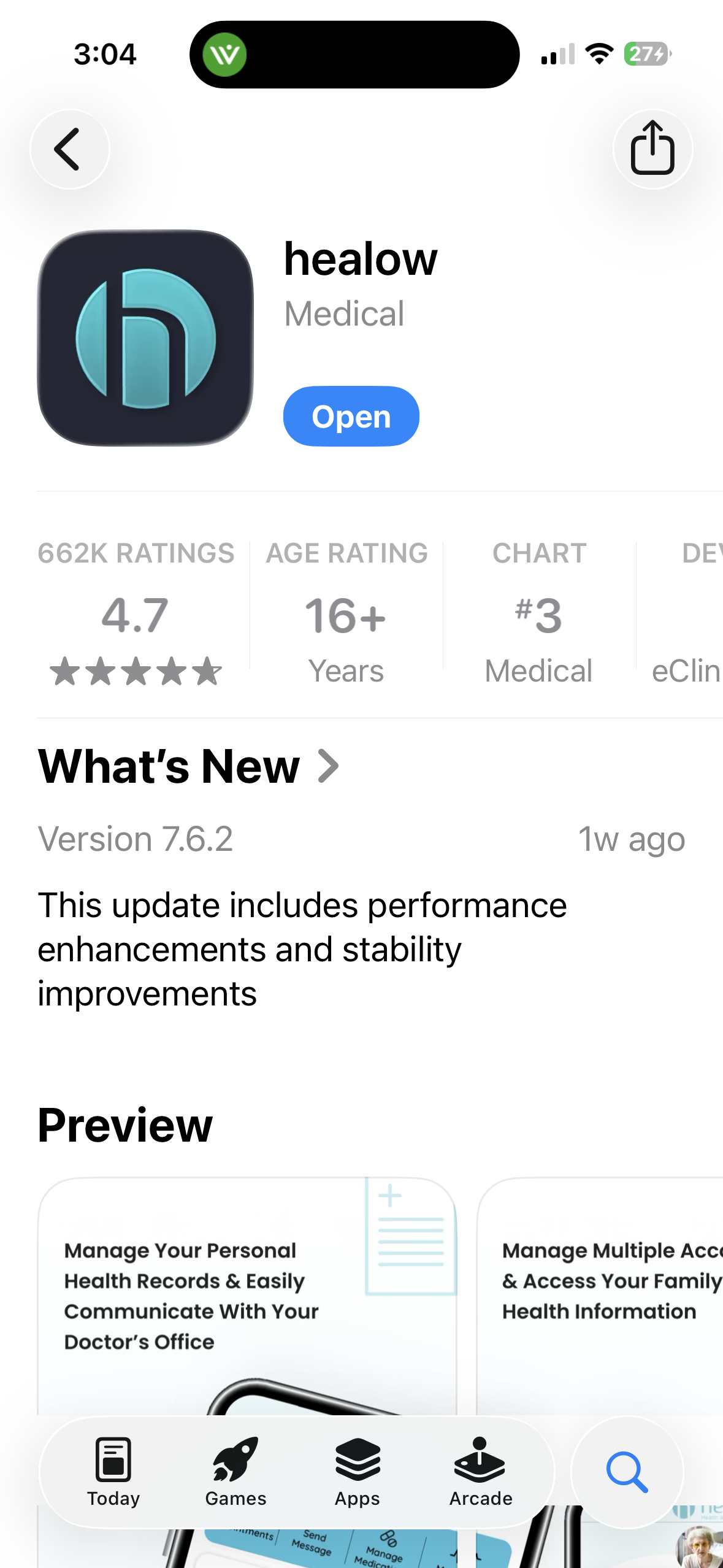
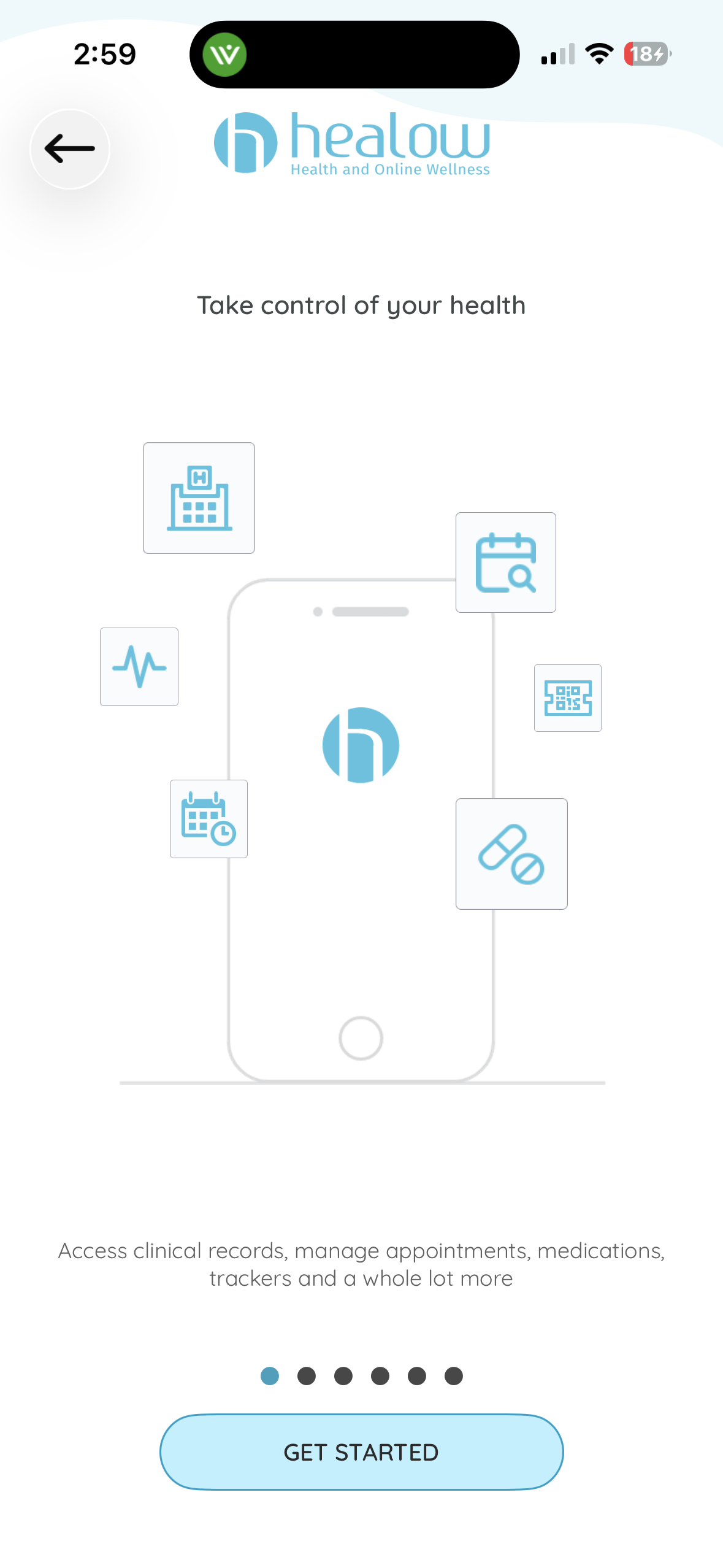
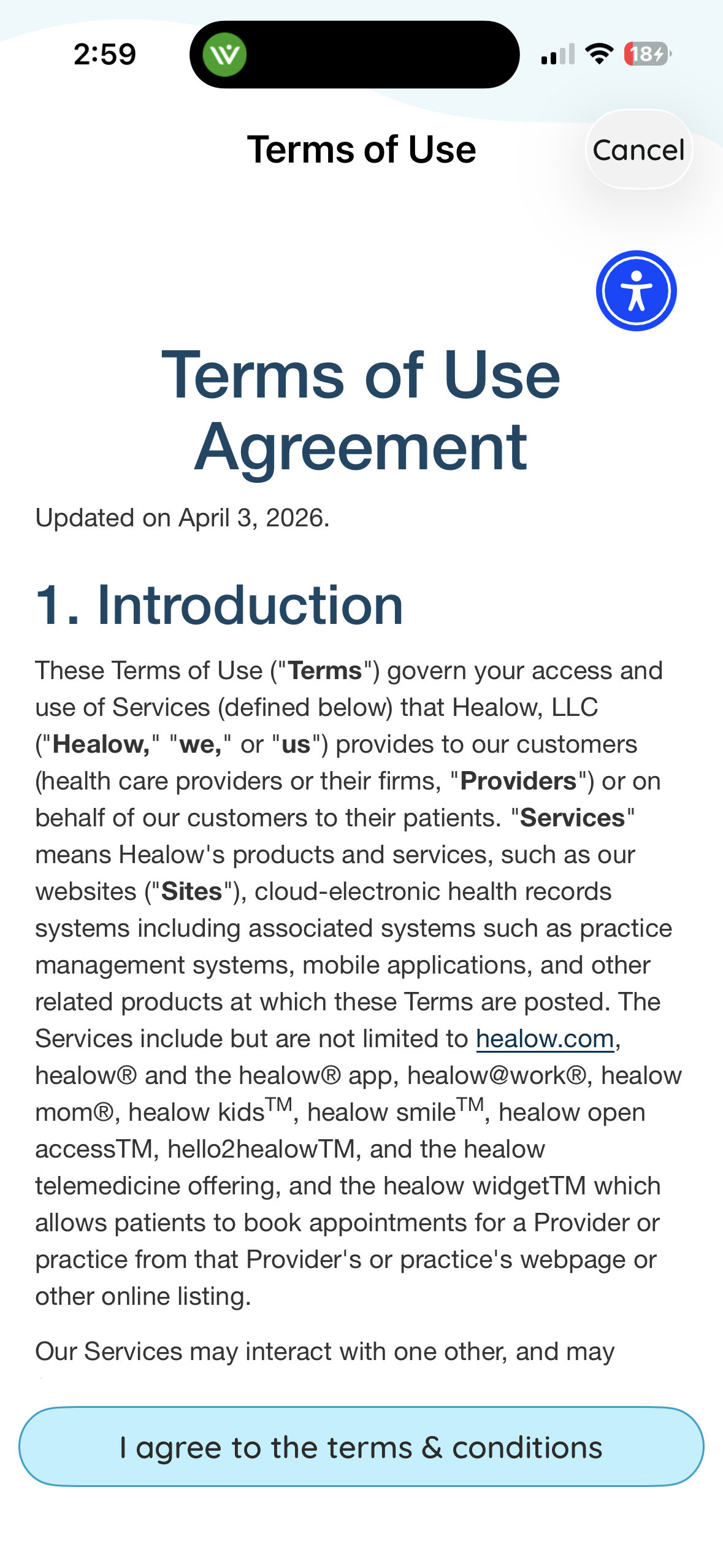
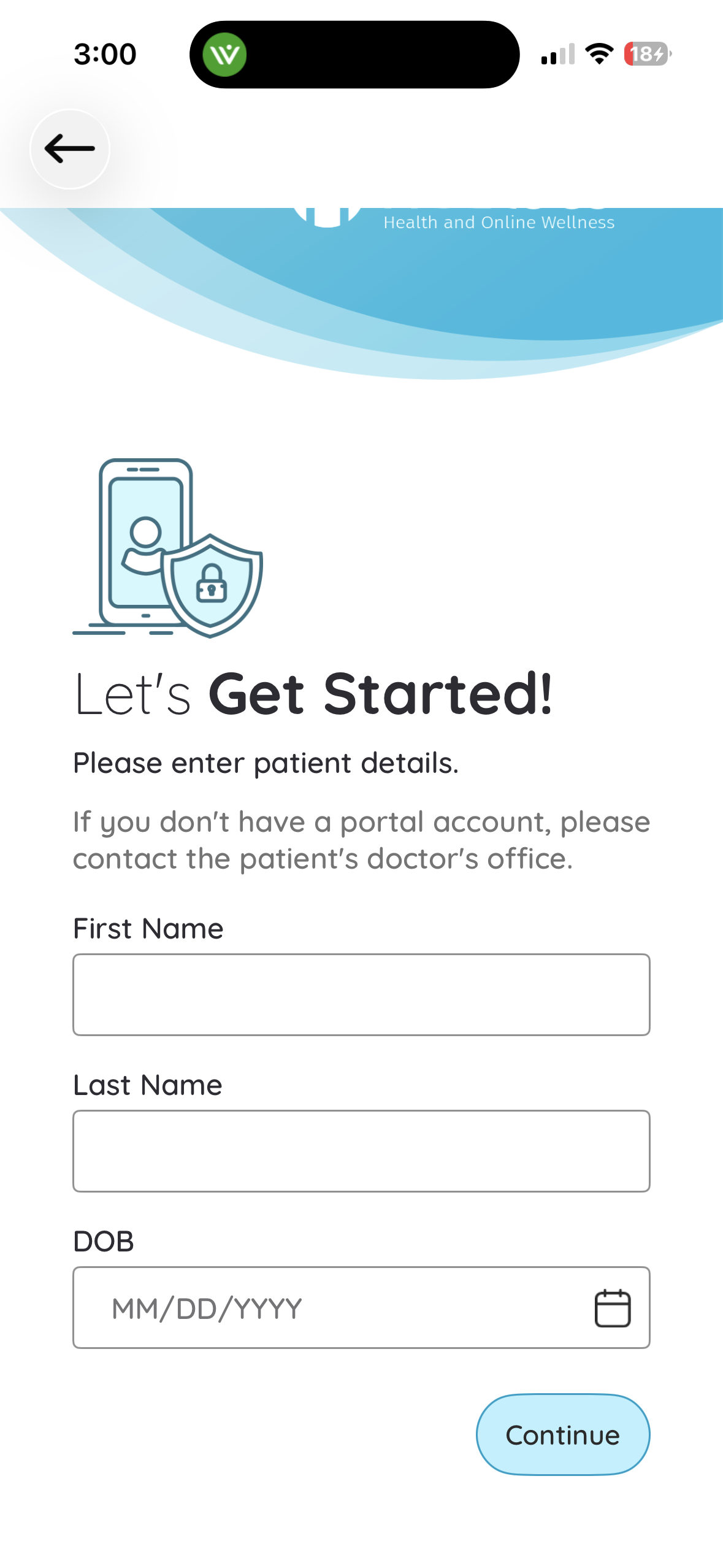
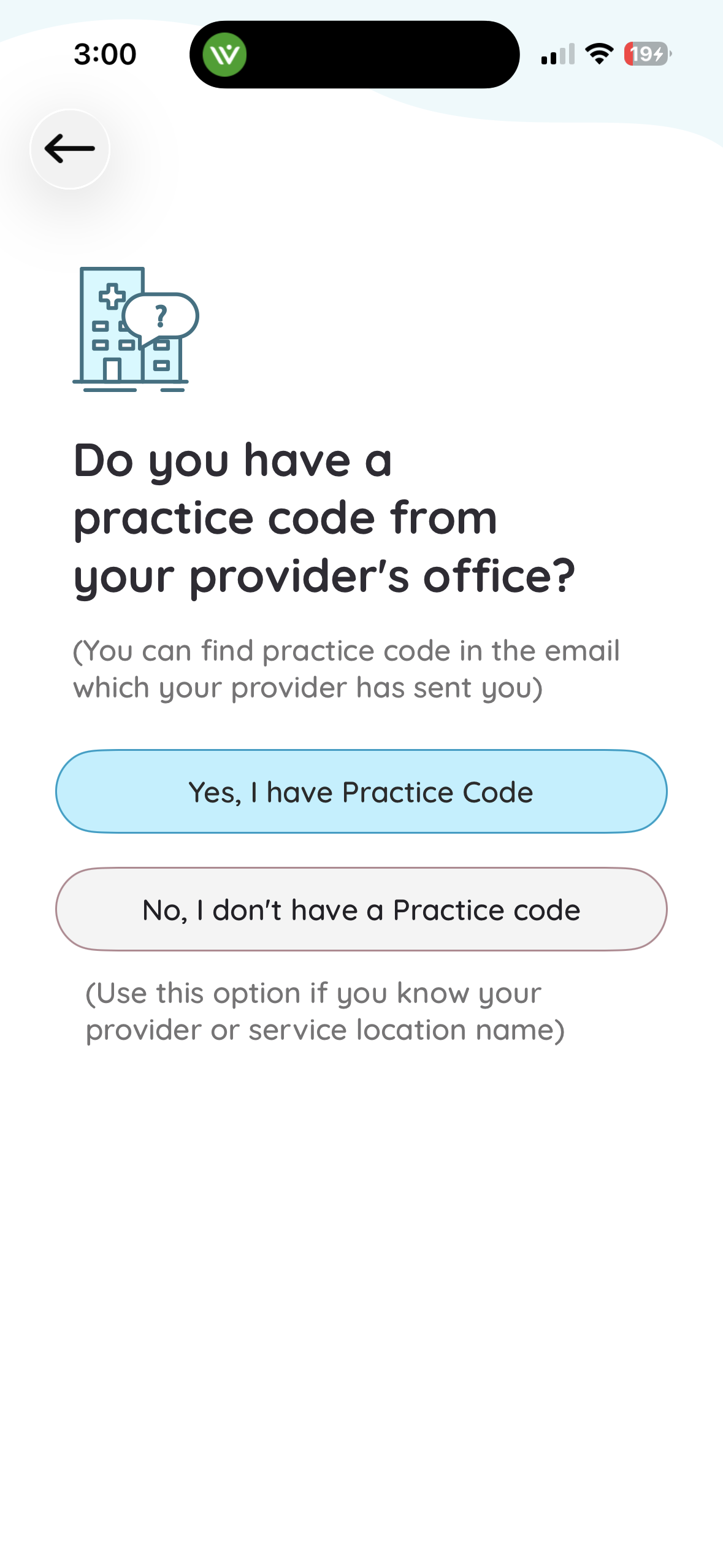
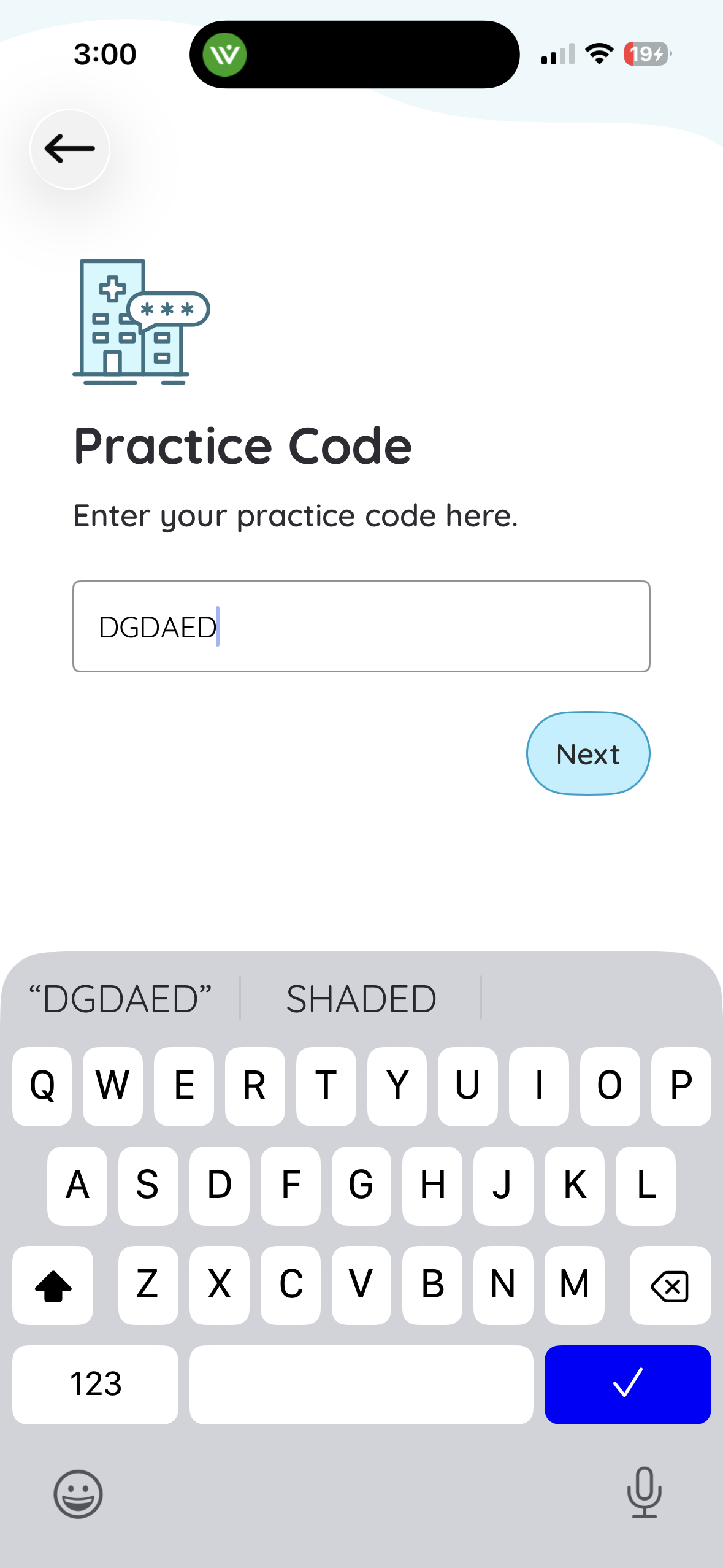
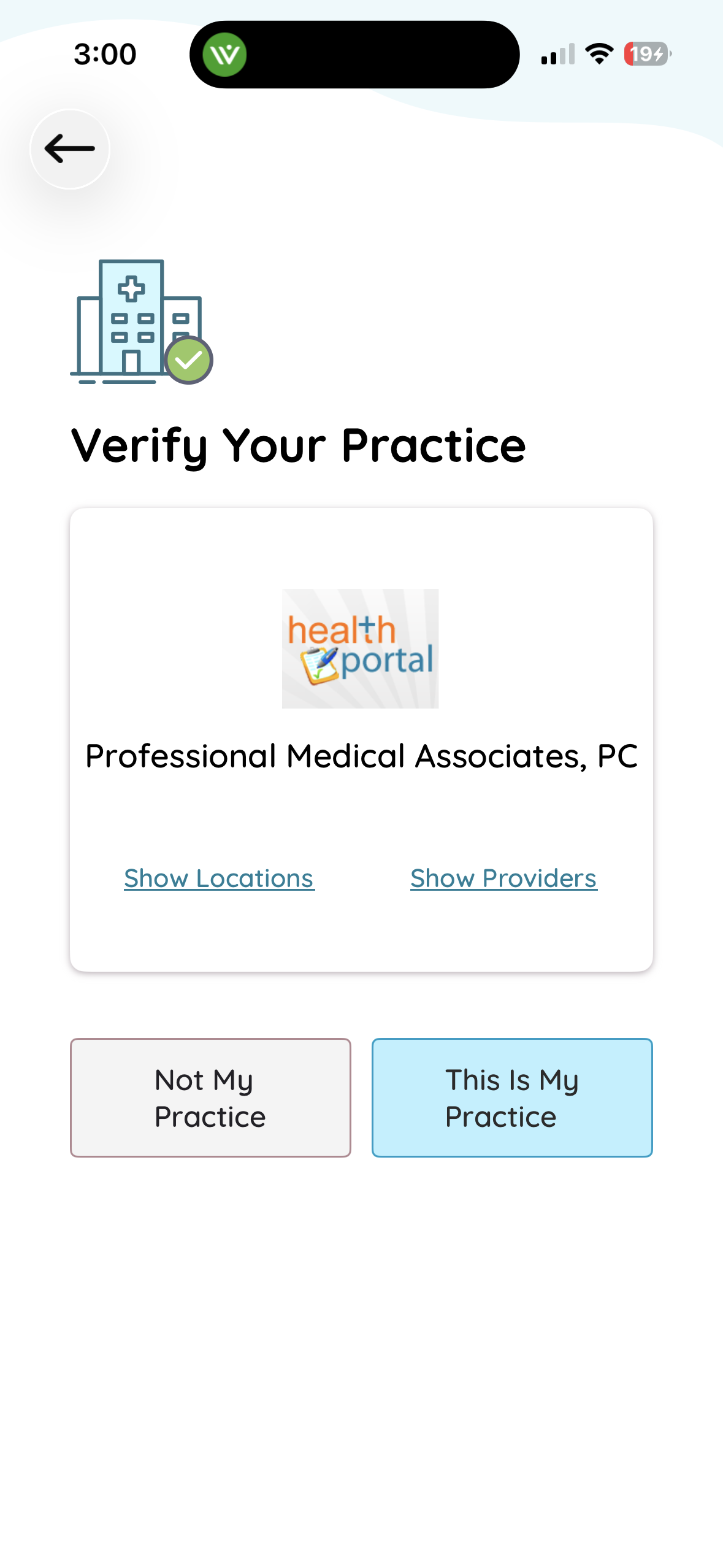
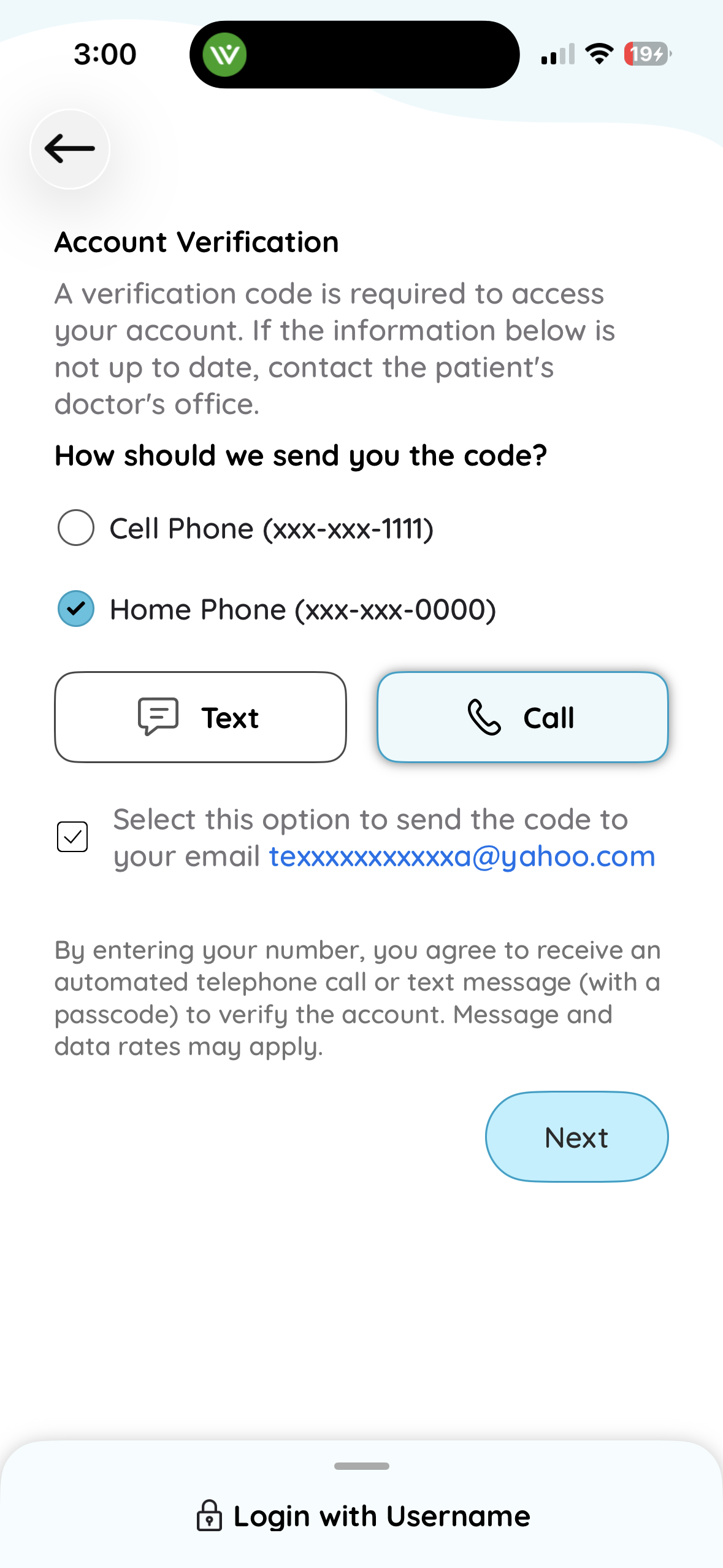
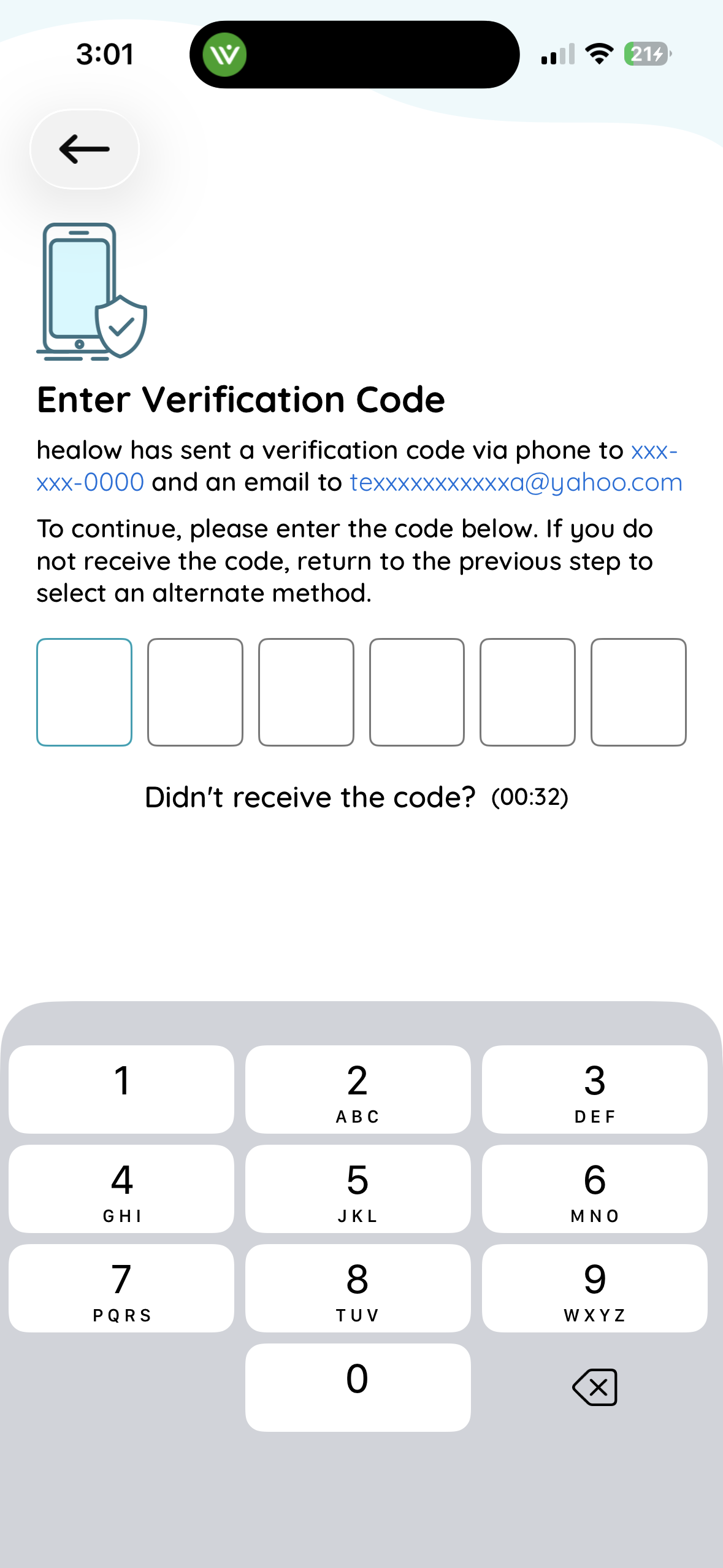
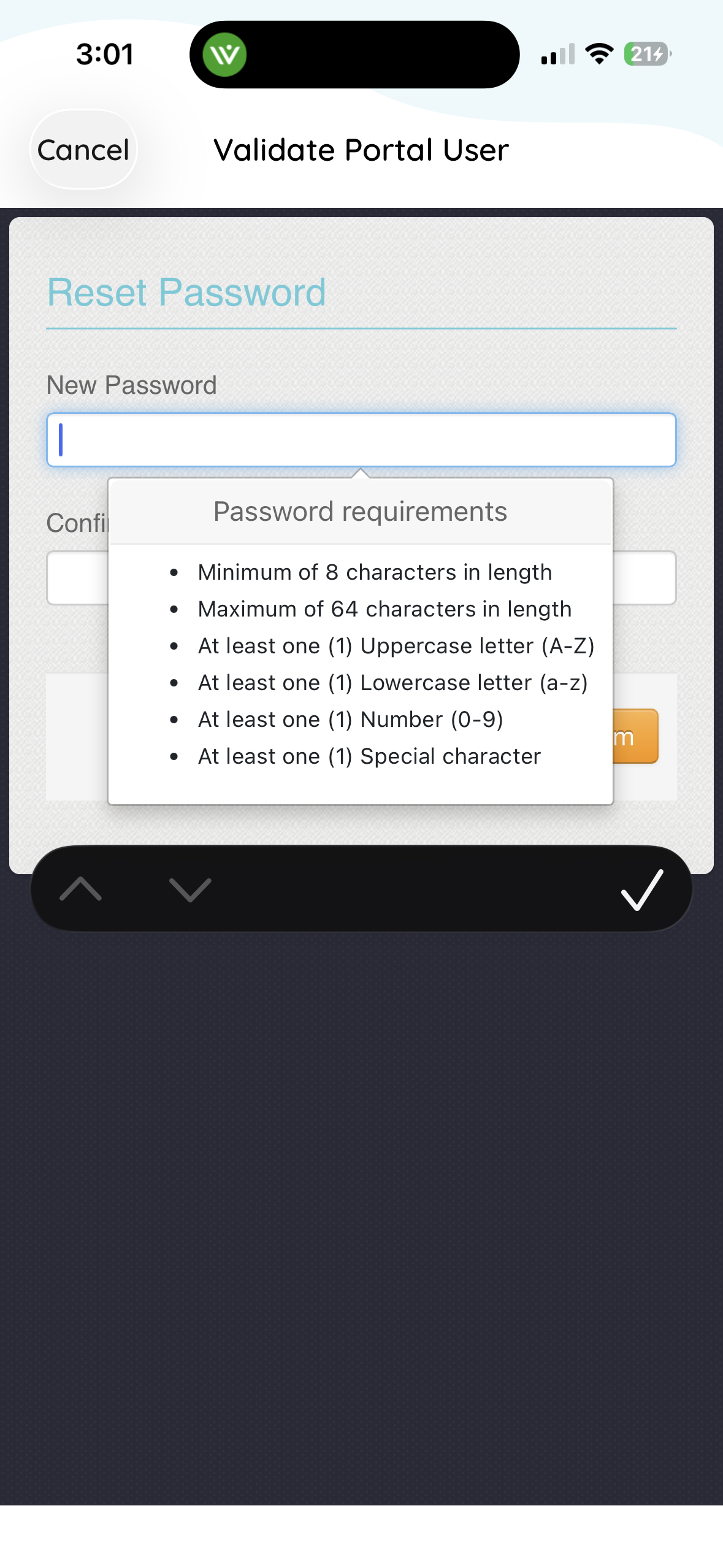
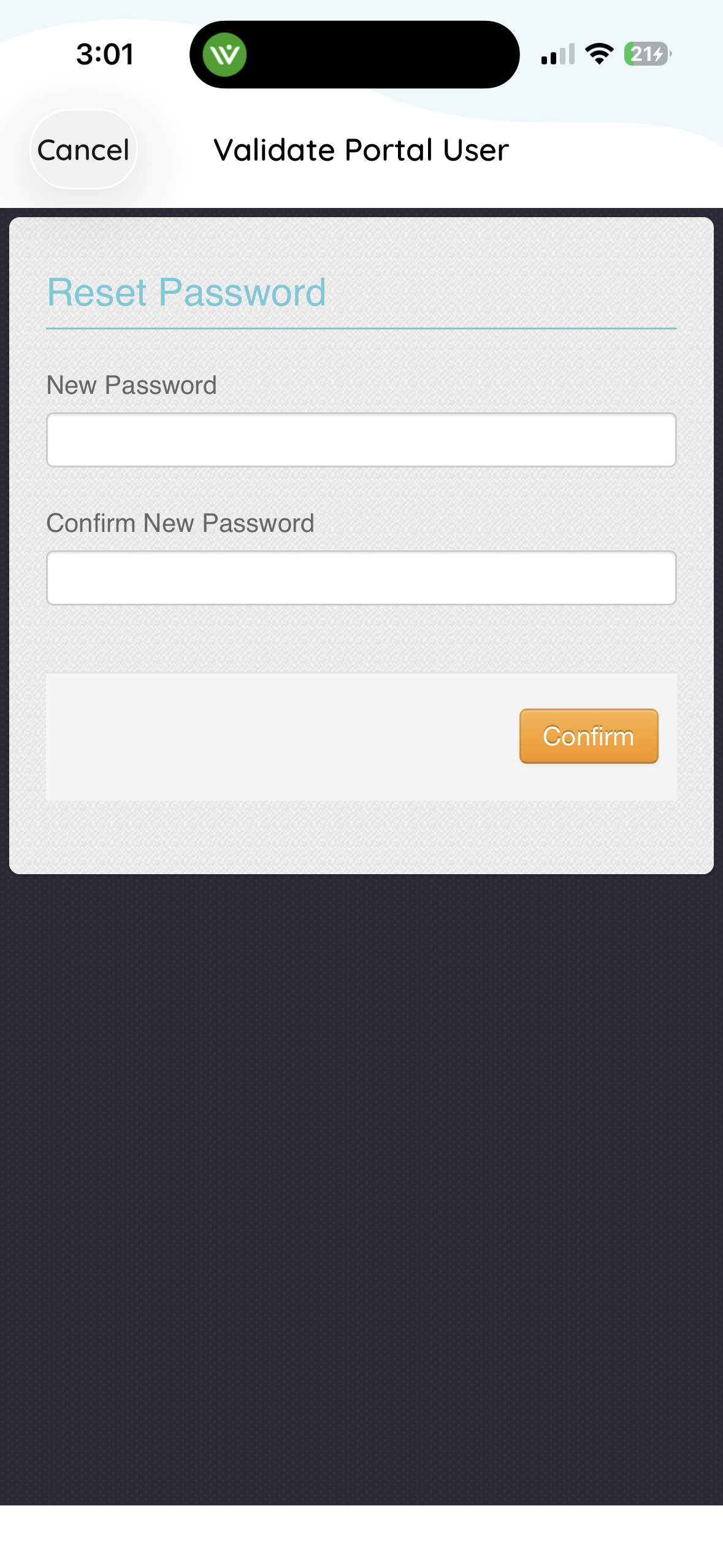
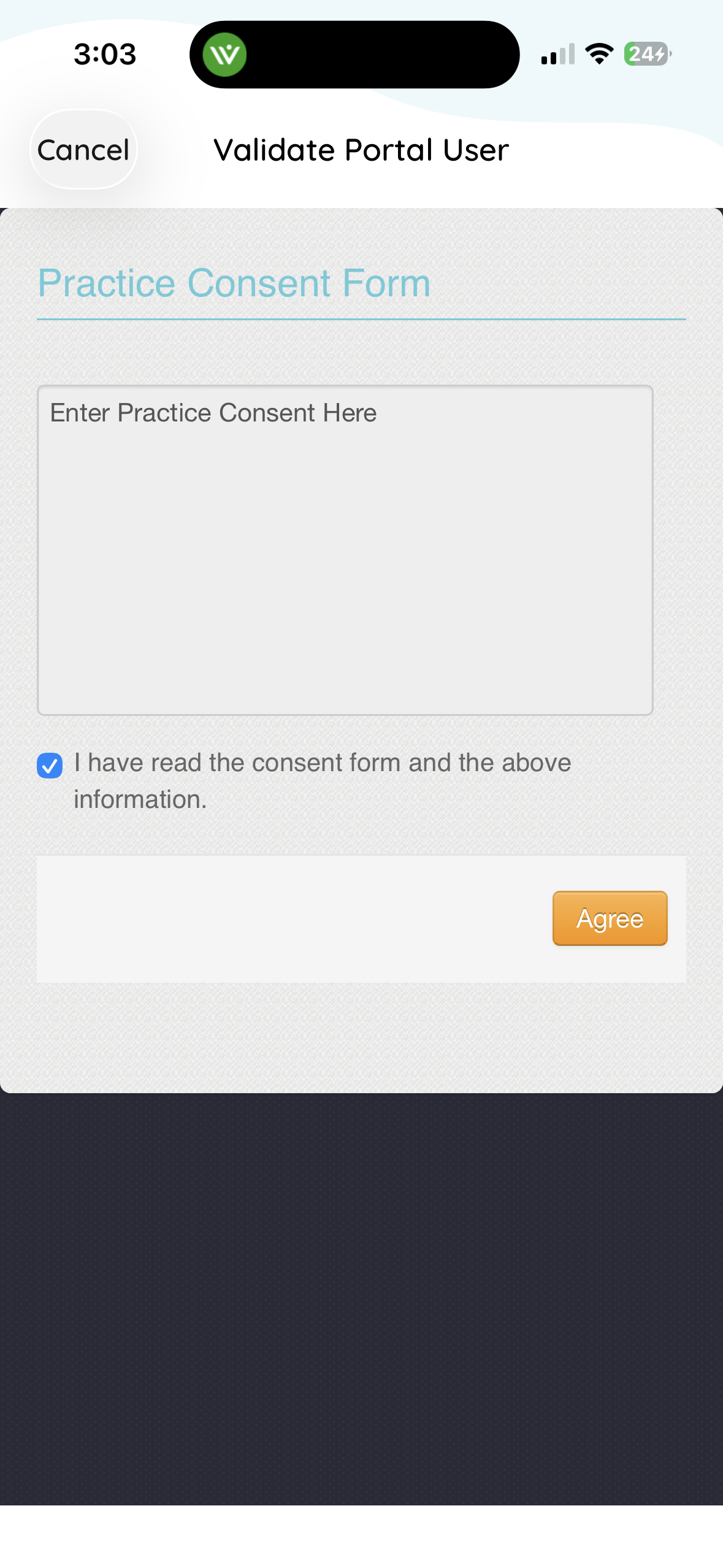
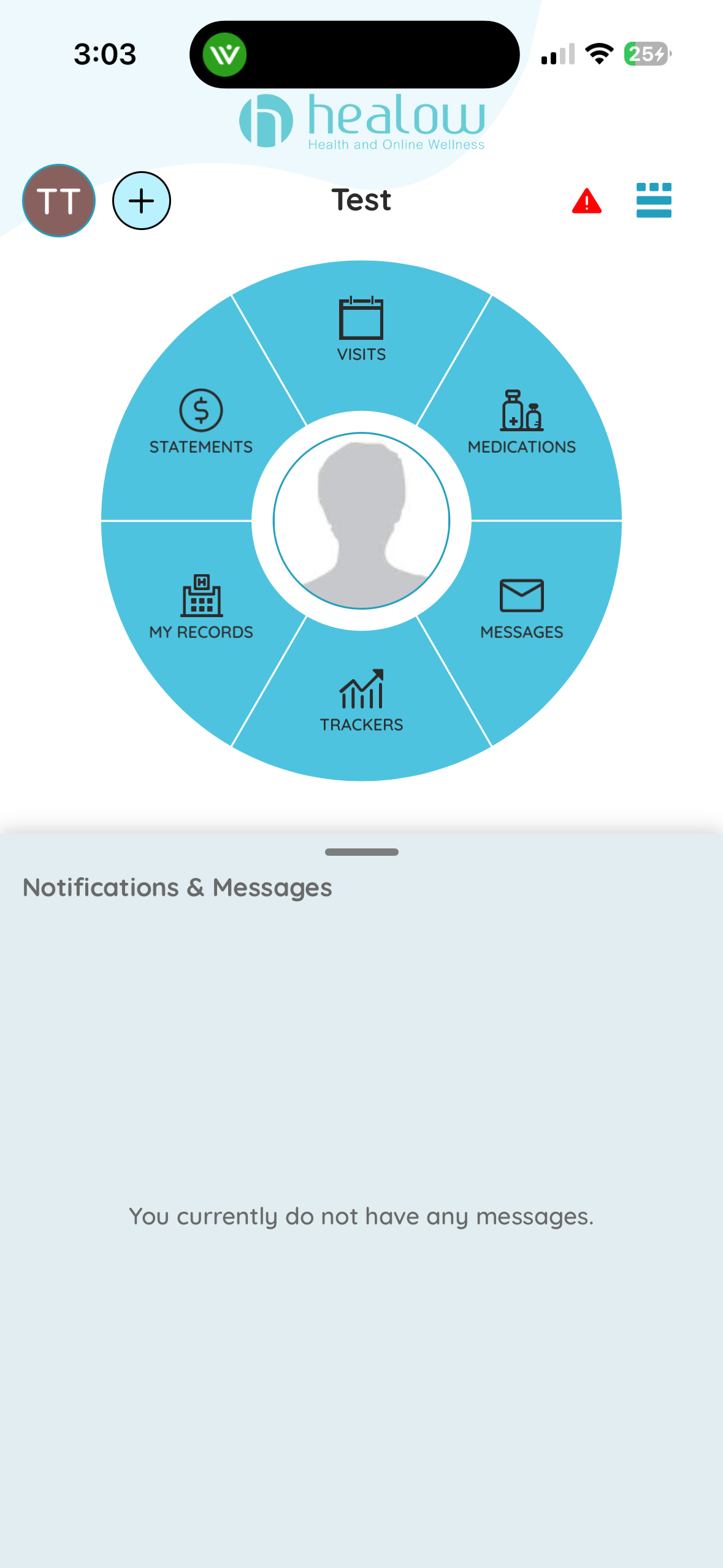
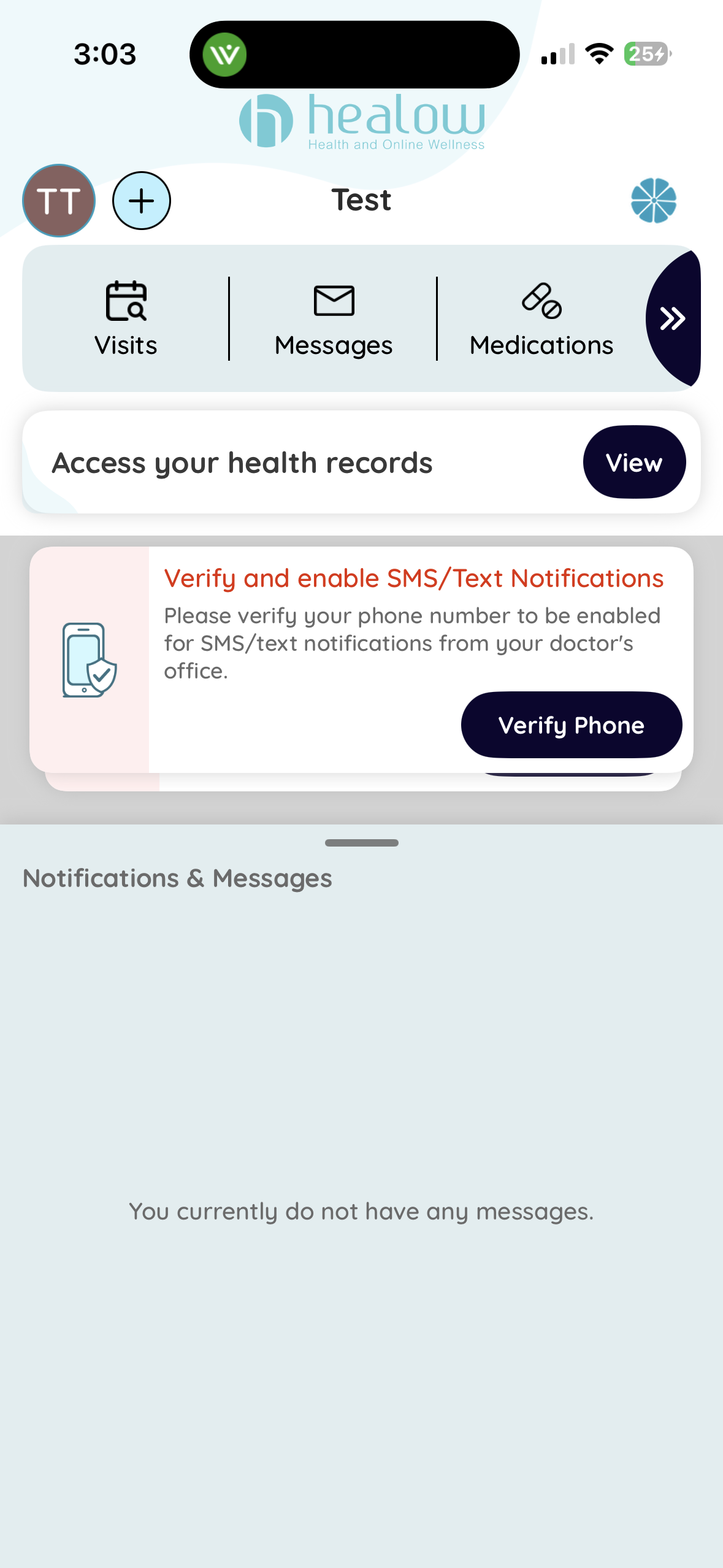
How to sign up for Healow using the Healow App
Note: if you use the Healow app to sign up, you can get a verification code sent by phone call, text, or email. To get a verification code by email check the box on the Account Verification page.
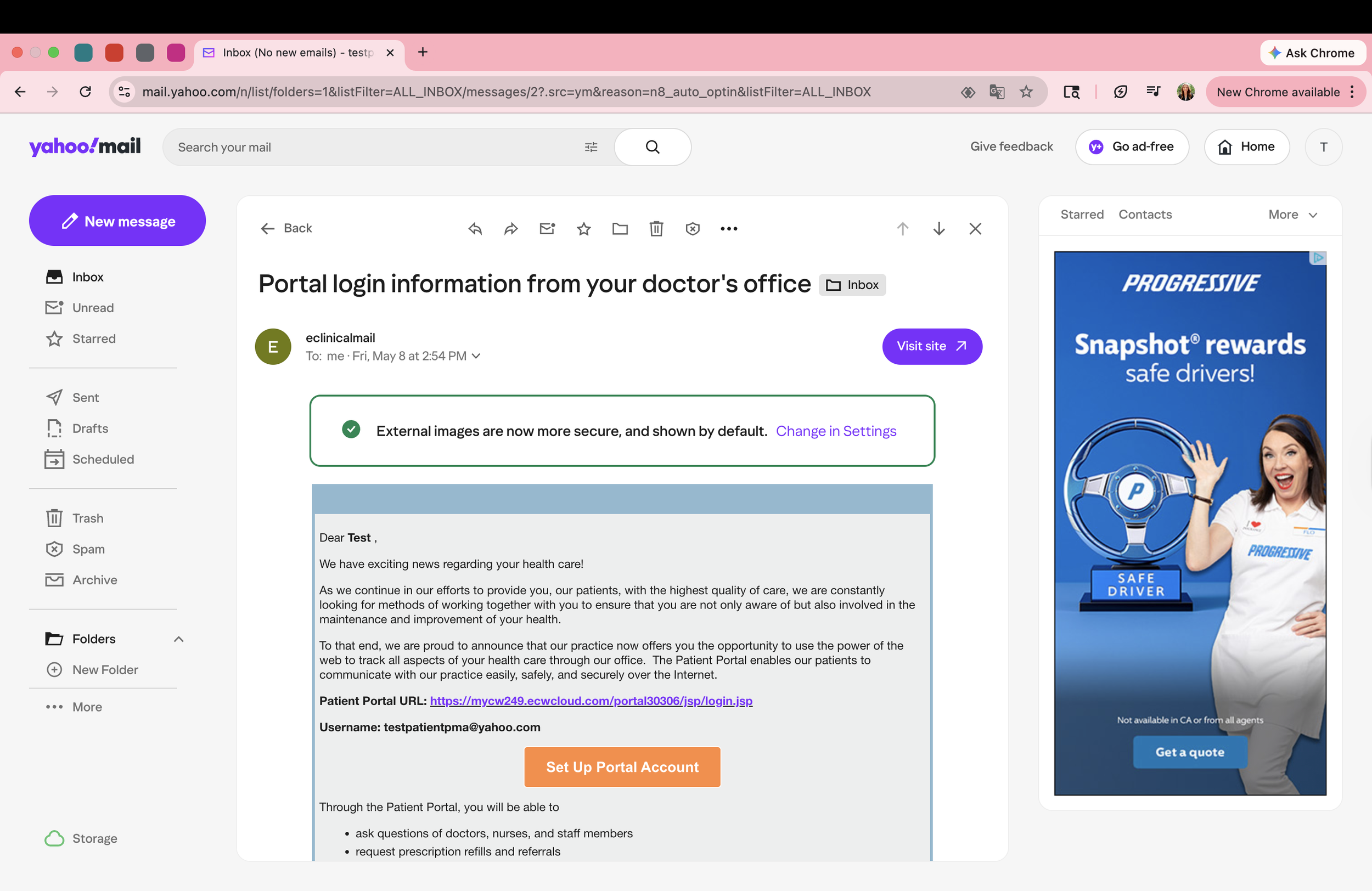
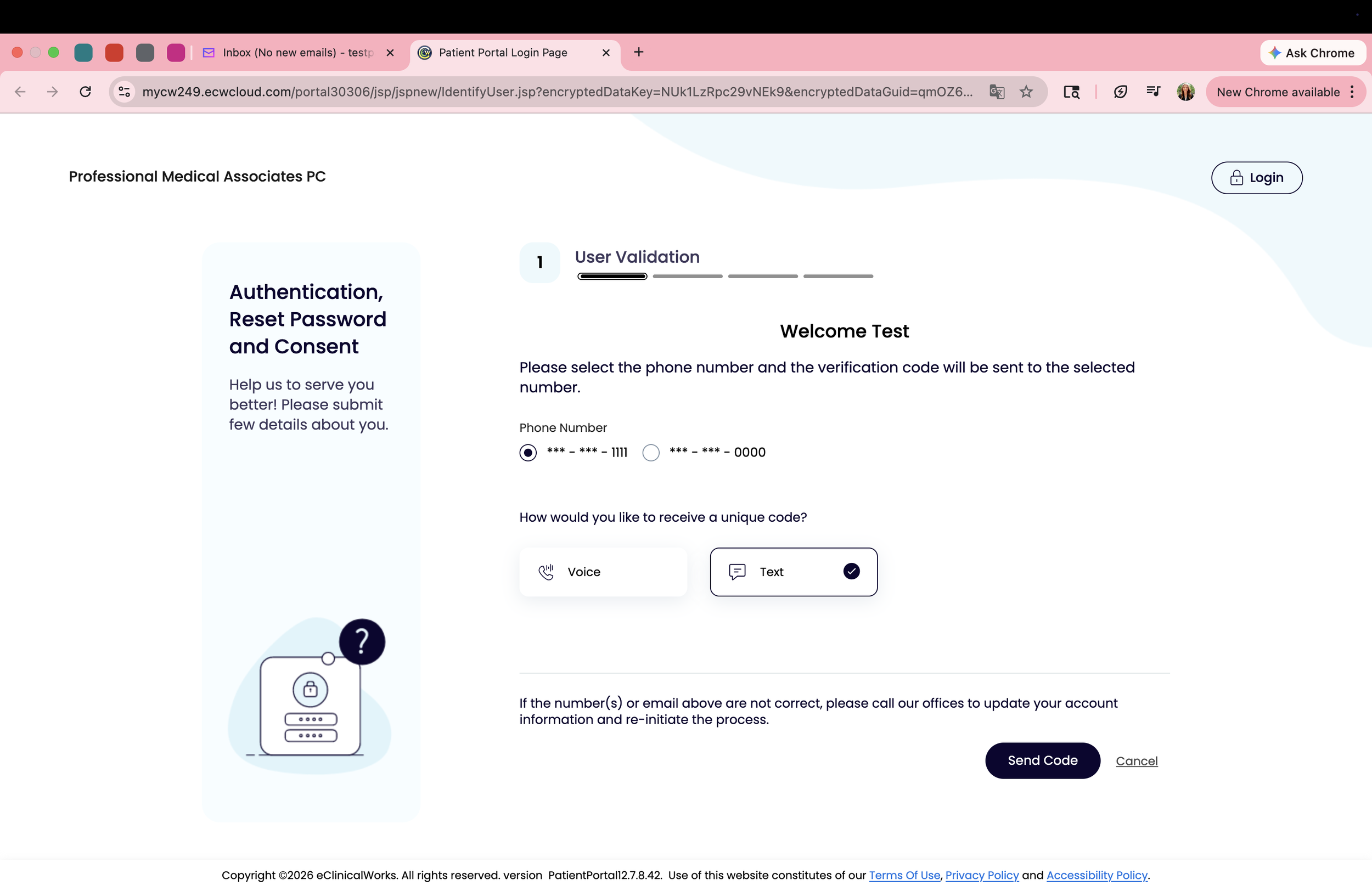
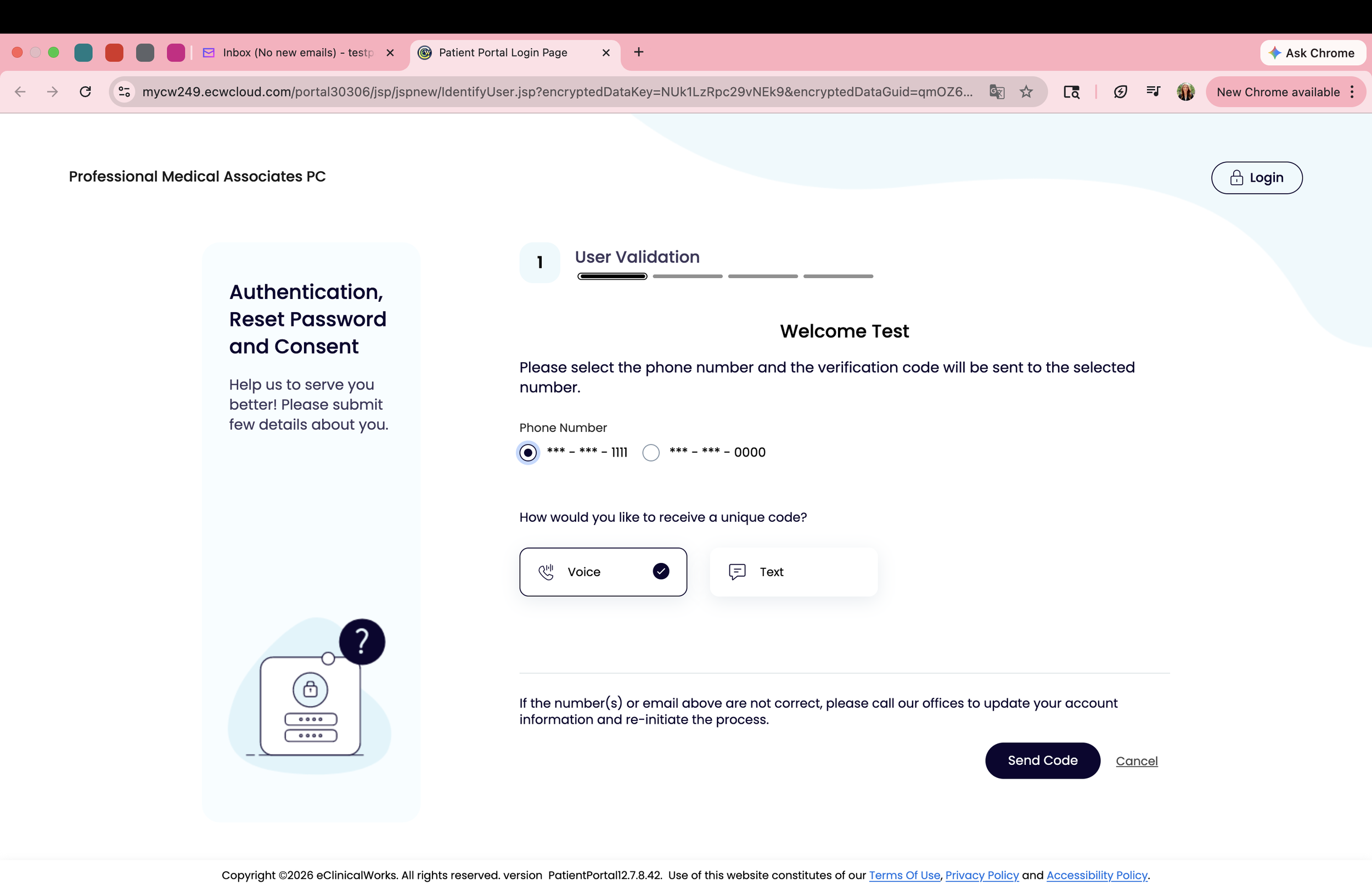
How to sign up for Healow using the link sent to your email
Note: if you use the email link to sign up, you can only get a verification code sent by phone call or text, you can not get a code sent to your email to verify your account.